


Roblox Error Code 277 on Mobile: How to Fix “Disconnected from Server” (2026)
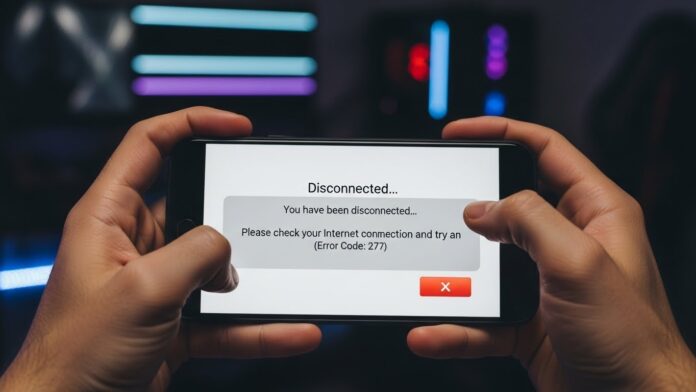
Nothing is worse than this: You are about to win a round in Blade Ball or you just found a rare fruit in Blox Fruits, and boom. The screen freezes. The grey box appears. “Please check your internet connection. (Error Code: 277)”.
If you are playing on a phone or tablet (Android/iOS), Error 277 is the most annoying enemy you will face. It usually means your device and the Roblox server stopped talking to each other for a split second.
Don’t panic. You probably don’t need a new phone. Here are the 4 real fixes that work in 2026 to get you back in the game.
Method 1: The “Airplane Mode” Reset (Fastest Fix)
Before you delete anything, try this. Mobile data and Wi-Fi antennas can get “clogged” with bad signals.
- Pull down your notification shade (Android) or Control Center (iPhone).
- Tap the Airplane Mode icon.
- Wait 10 full seconds. (Count to 10!)
- Turn Airplane Mode OFF.
- Reconnect to your Wi-Fi and try to join the game again.
Why this works: It forces your phone to find the strongest cell tower or Wi-Fi channel again, clearing out the “static” that caused the disconnect.
Method 2: Clear Roblox Cache (Android Only)
If you are on Android, your temporary files might be corrupted. This is the #1 cause for Error 277 on Samsung and Xiaomi phones.
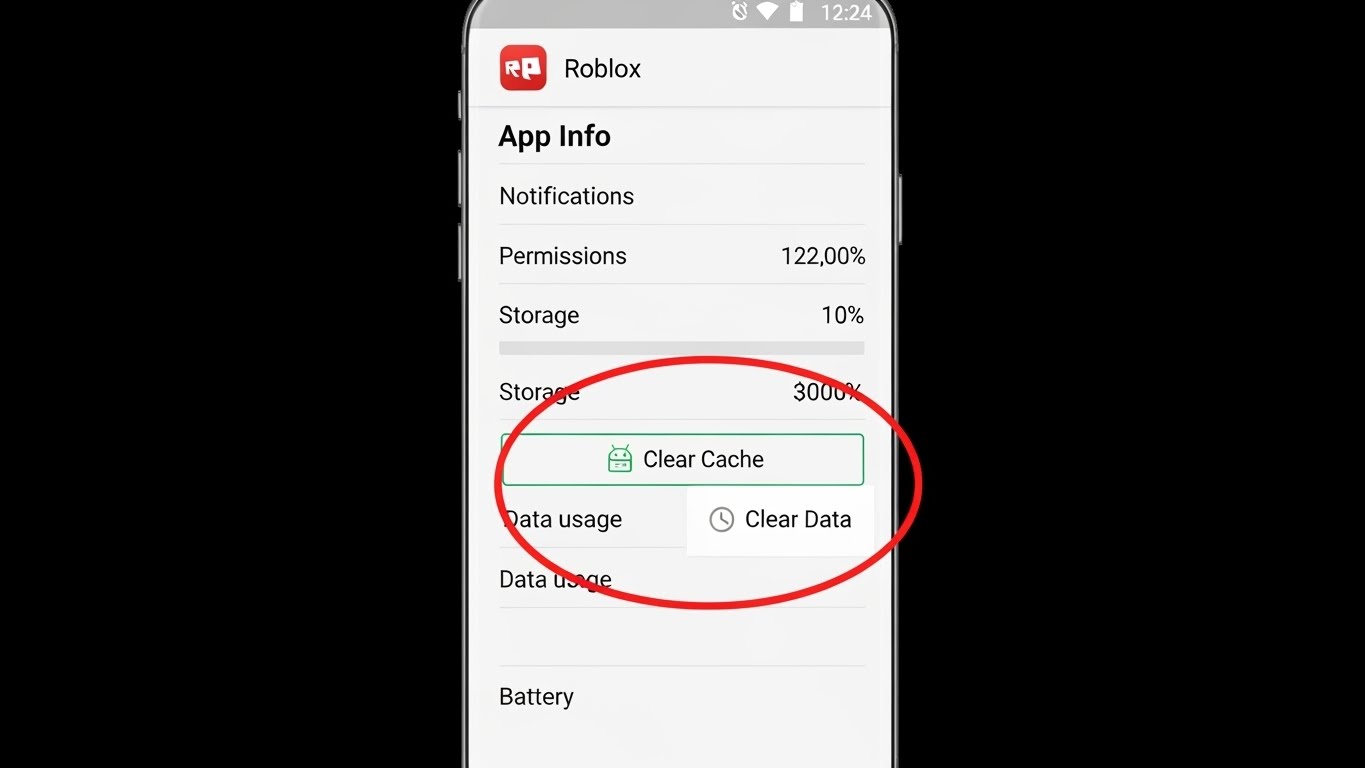
- Go to your phone Settings.
- Find Apps or Application Manager.
- Search for Roblox.
- Tap on Storage.
- Tap Clear Cache (DO NOT tap Clear Data unless you know your password, because that logs you out).
For iPhone (iOS) Users: Apple doesn’t let you clear cache easily. Your only option is to “Offload App” in settings or skip to Method 3.
Method 3: The “Clean Install” (The Nuclear Option)
If you keep crashing every 10 minutes, your game files are likely broken. Updating the app isn’t enough; you need to wipe it.
- Uninstall Roblox completely.
- Restart your phone. (This step is crucial! It clears the RAM).
- Go to the App Store or Play Store.
- Download Roblox again.
- Log in.
This fixes 90% of Error 277 cases because it downloads a fresh copy of the game engine without the bugs from previous updates.
Method 4: Switch Networks (Wi-Fi vs. Data)
Sometimes, your home router is the problem, not the phone. Roblox hates unstable Wi-Fi.
- Test 1: Turn off Wi-Fi and try playing on 4G/5G mobile data. If the error stops, your home Wi-Fi is the culprit (try rebooting your router).
- Test 2: Move closer to the router. 5GHz Wi-Fi is fast but has short range. If you are in your bedroom behind two walls, the signal drops, and Error 277 appears.
Is your device too old?
In 2026, Roblox graphics have improved. If you are playing on an old device (like an iPhone 8 or a budget Android from 2020), the phone might be overheating.
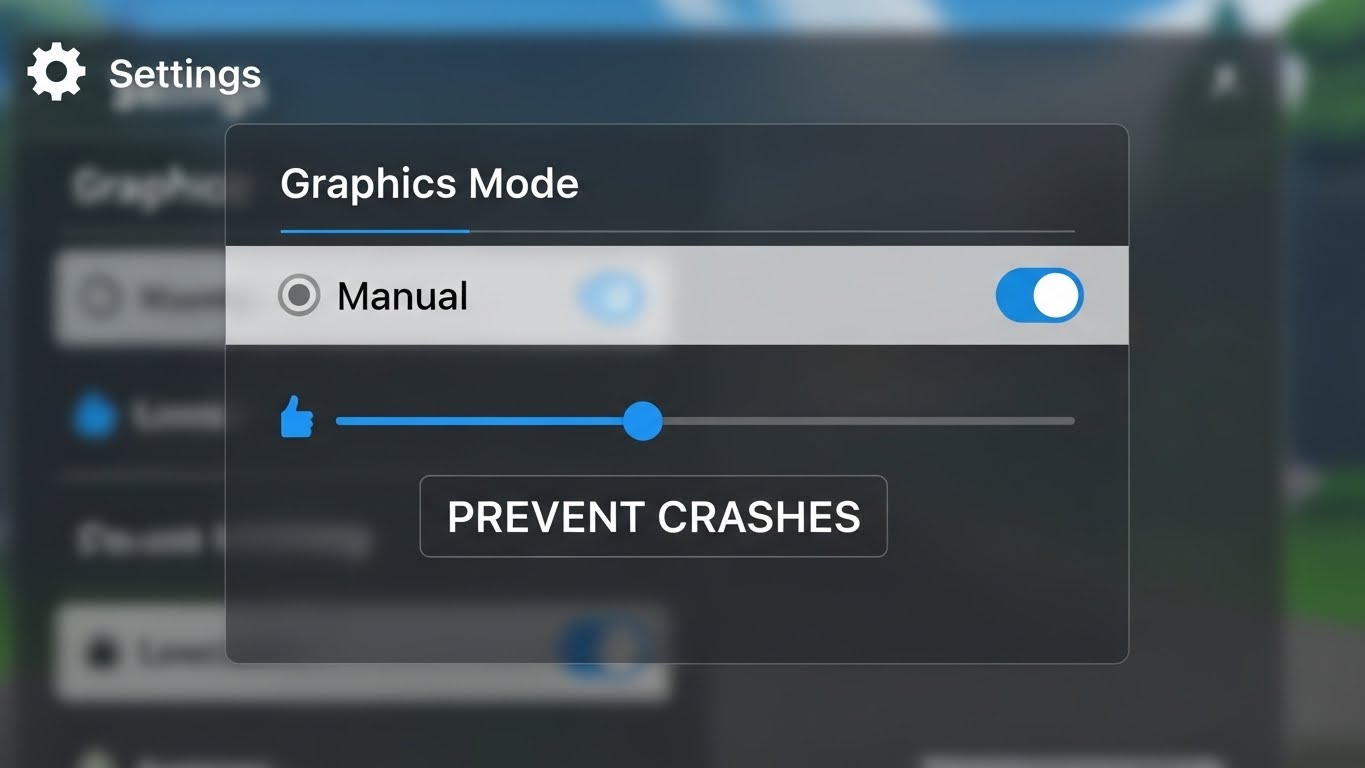
Pro Tip: Go to Roblox Settings (inside the game) -> Graphics Mode -> Change from Automatic to Manual -> Lower the bar to the minimum. This stops the phone from struggling and disconnecting.
Did these tips fix your Error 277? Usually, it’s just a bad Wi-Fi moment, but keeping your cache clear helps a lot. Now get back in there and finish that obby!

